
The One Page Commercial Video Brief is a template designed to maximise efficiency in the specification process – saving time, refining communication and focusing the mind(s) of communications professionals involved in procuring video for commercial purposes. Communications projects go wrong because the brief is unclear, lacks boundaries or is incomplete and the same issues occur again and again: the wrong audience gets targeted, the tone drifts during editing, approvals become endless and “just one more change” quietly turns into a second project. In these circumstances content looses meaning and poignancy.
It is possible to help remedy this situation without pages of documentation by using this One Page Video Production Brief Template to kick-start the process in a meaningful way.
The template is not designed to provide comprehensive detail regarding every aspect of the project but to serve as a starting point. The document should:
- Focus the mind of the individual or team specifying the video by providing limited space for answers to questions. A single A4 size page encourages the distilation of responses into clear, concise statements.
- Provide enough talking points for video producers and editors to grasp the themes, length and general scope of the project. It provides talking points and opportunity to respond intelligently at an early stage in the project.
- Indicate where more information is required. A carefully considered response from the video production team at an early stage can help ensure video projects are impactful and reach appropriate audiences.
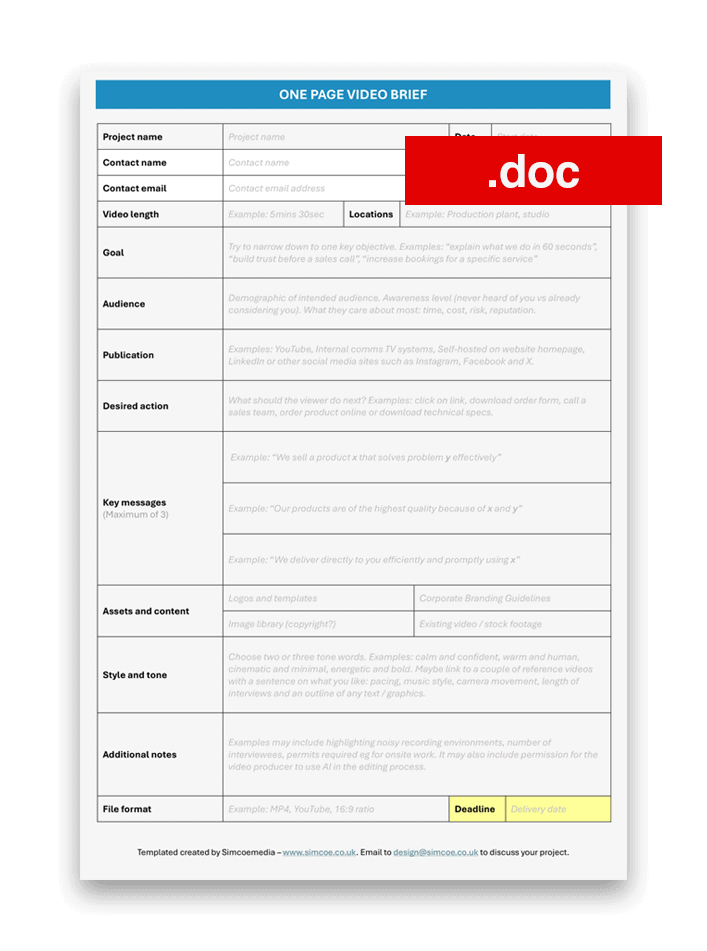
Download Word document (with guide)
Other Considerations
Audio and Visual Quality
A few factors quietly decide quality regardless of the camera.
Audio matters more than most people expect; if the space is noisy or creates echo you will need to plan around it. It is possible to use audio enhancement tools such as Adobe Podcast or ElevenLabs to improve speech clarity but relying on these technologies to solve problems is a mistake — where possible, record in quieter environments. Lighting can improve the visual impact but requires time to set up correctly and in general rushing the schedule tends to increase the chances of costly technical errors.
Approval Speed
Approval speed is also a significant factor — if feedback arrives late, timelines slip and the potential for errors and additional edit time increases. It’s also worth remembering that a clear “no” from the video producer can set valuable boundaries for your content: not everything belongs in one video and maintaining focus to ensure clear messaging contributes to the overall success of a project.
Additional Notes
Add as many relevant notes to any video specification as possible. This may include location constraints — parking, access, permissions, interview spaces, power availability and safety certifications (such as working at height training or hazardous materials training). If there are people involved, list who will be on camera, who is available on the day and who can manage access and practicalities (unlocking doors, turning off background music, guiding staff flow). It also helps to gather branding assets like logo files, brand fonts/colours if you have them, and any required wording for compliance. Finally, include whatever content assets already exist product shots, diagrams, screen recordings, existing footage, brochures or case studies.
Video Brief Downloads
One Page Video Brief – .doc with guidelines
One Page Video Brief – .doc with no guidelines
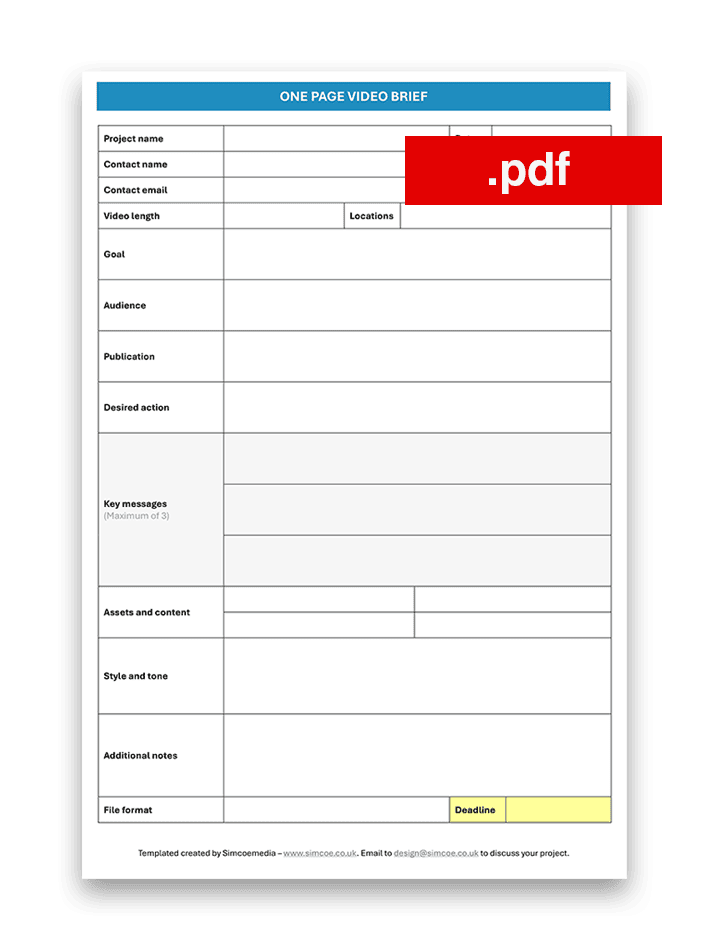
One Page Video Brief – .pdf with print and submit buttons
Template Contents
A quick guide to each of the template sections:
Project name: Clear project title with any reference numbers / letters
Date: Current date or date the project should commence
Main contact: Who is the main person to contact for the project?
Goal (one sentence): What is this video meant to achieve?
Audience: Who is it for, and what do they care about?
Publication: Website / LinkedIn / YouTube / internal / event screen / other
Desired action: What should the viewer do next?
Key messages (max 3): Key messages and take-aways from video
Assets: Stats, testimonials, certifications, logos, products, locations
Style and Tone: 2–3 words to indicate style + optional reference links
Notes: Access restrictions, sensitive info, people who can’t be filmed, etc.
File Format: How should video files be delivered eg MP4 for YouTube
Useful Links
10 Essential Camera Techniques For Video Content Creators
Starting A Drone Photography And Video Business in the UK
Adobe’s Guide On How To Make A Commercial


