
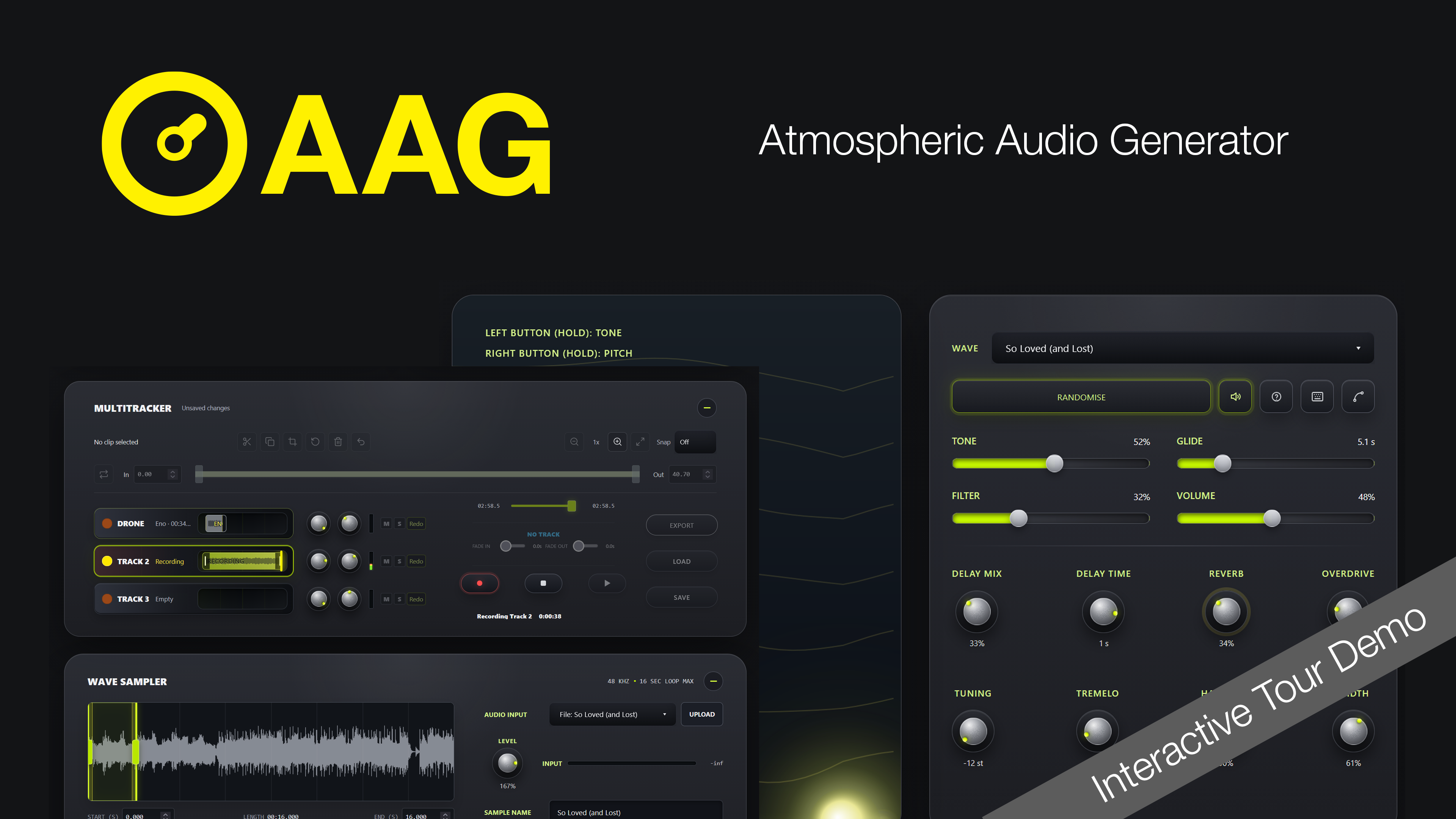
Simcoemedia has just launched the Atmospheric Audio Generator (AAG), a browser-based tool for creating drones, experimental textures and layered soundscapes. Developed by Peter Simcoe, the application brings together manipulation of sound from a library of options through an interactive mouse controlled / touch pad, sampling audio to create loops, effects including overdrive and delay and multitrack recording in one interactive workspace. Download the Quick Start Guide.
The whole concept revolves around the ability to easily create, blend and export atmospheric, ambient tones. This sort of tool is useful when scoring a film or simply generating music representing a mood or, as the title says, ‘atmosphere’.
An Interactive Approach To Sound Design
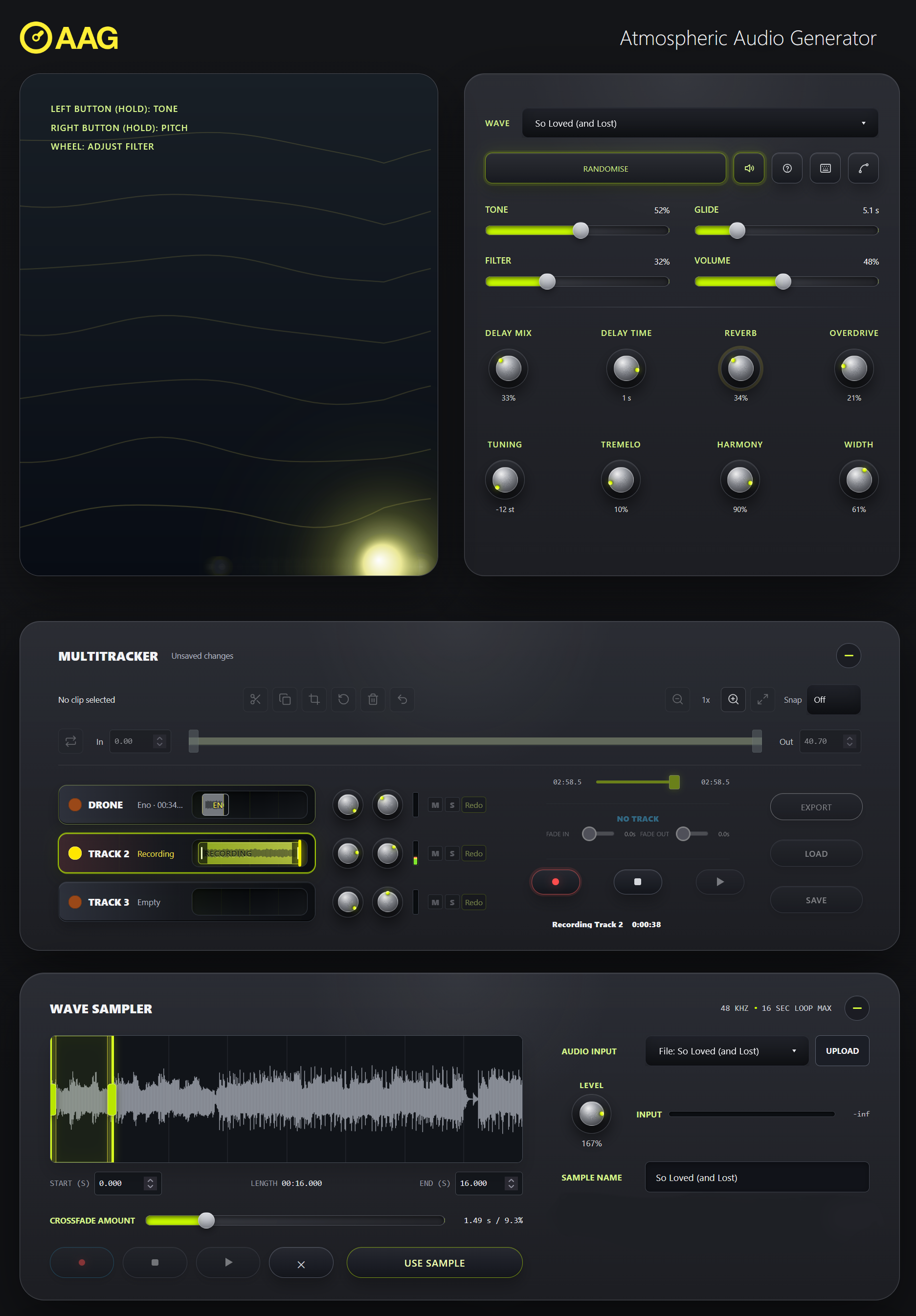
AAG allows users to select a waveform from a library or the sampler, adjust its tone and pitch, and then shape the result using effects including delay, reverb, overdrive and tremolo. Moving around the interactive sound field changes the character of the audio. A useful experiment when interacting with the AAG is to choose three words—perhaps “isolated”, “unfamiliar” and “uneasy”—and explore a sound that fits that description. Listen for the moment when an interesting texture becomes something that suggests a scene, a location or a musical direction.
Creating Sound For Film And Video
Listen to a classic ambient piece of music such as Brian Eno’s Prophecy Theme. This is an excellent example of how a relatively simple sound can transport you to the deserts of Arrakis in David Lynch’s 1984 version of Dune. The AAG uses the sample principles of simple movement within sound using complex texture.
Creative Possibilities For Musicians
To make the AAG more flexible it incorporates a Wave Sampler that accepts microphone input and uploaded MP3 or WAV files. Users can select an excerpt of up to 16 seconds and apply a crossfade to blend the loop boundary.
Recording a single guitar harmonic, a breath or a short vocal phrase can be turned into a smooth sample as the starting point for a composition. Alternatively, begin with a nearly finished song and explore what might belong in the space before the first verse or after the final chord. For professional musicians, approach AAG as a separate experimental session: find one useful sound rather than attempting to finish an entire production. For amateur musicians, set aside the pressure to write a complete song. A short atmospheric piece can be a creative project in its own right. Try giving each layer a distinct purpose: one establishes the mood, another introduces movement, and the third supplies an occasional detail. Before adding more, listen to what happens when you remove something.
Record, Layer And Export
On desktop, AAG’s three-track multitracker supports layering, trimming, fades, volume and panning, with session saving. Export options include a stereo WAV mix or separate track stems at 48 kHz 24-bit.
AAG complements rather than replaces a full production setup. It requires no installation and works best in a desktop browser. Imported recordings still require appropriate permission for their intended use. Explore Atmospheric Audio Generator and discover a starting point for your next film or music project.
Download the Quick Start Guide.


